DoorEastGPT: The AI That Finds Your Next Home in Lebanon
DoorEast | | Last updated:
5 min read
Tips & Guide
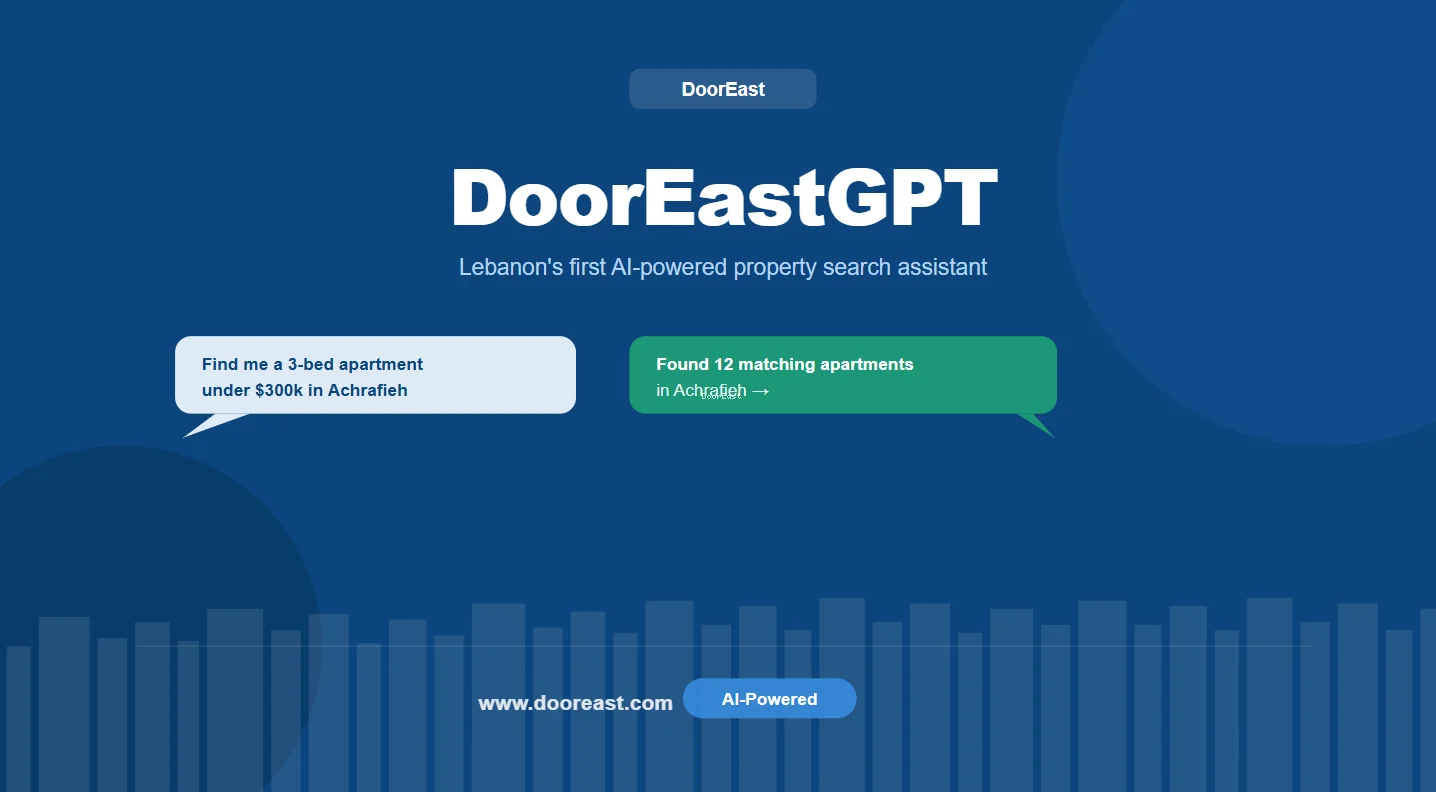
Searching for a home usually means clicking through filters: location, price, bedrooms, size. DoorEastGPT lets you skip that. You describe what you want in your own words, in English or Arabic, by typing or by voice, and it finds matching listings on DoorEast for you. DoorEastGPT is in the DoorEast app, and the website has a similar tool called Ask AI.
This guide explains what DoorEastGPT is, how to use it, what kinds of searches work best and what it can and can't do.
What Is DoorEastGPT?
DoorEastGPT is an AI search assistant built into DoorEast. Instead of filling in a form, you type a request like you would to a friend or an agent, for example "2-bedroom apartment for rent in Hamra under $1,200". DoorEastGPT reads your message, turns it into search filters and shows you matching live listings.
It is:
- Free to use.
- Available in the DoorEast app. On the website, you can use Ask AI instead (see below).
- Bilingual: you can write in English or Arabic.
- Voice or text: you can now speak your request instead of typing it.
- For buying and renting: you can search homes for sale or for rent.
How It Works
DoorEastGPT uses the same search filters as the rest of DoorEast. The difference is that you don't have to set them yourself. It works in three steps.
Step 1: It understands your request
DoorEastGPT picks out the details in your message:
- Location: the town, area or neighborhood.
- Buy or rent.
- Price: your budget or price range.
- Rooms: number of bedrooms and bathrooms.
- Size: area in square meters.
- Features: garden, balcony, terrace, pool and other options available as DoorEast filters.
It handles casual wording and typos.
Step 2: It searches live listings
It runs the search on DoorEast's current listings, the same ones you would see using the filters yourself.
Step 3: It shows you the results
You get the matching listings and can refine them with follow-up messages, such as "only ones with balcony" or "show me cheaper ones", without starting over.
How to Use DoorEastGPT
- Open the DoorEast app.
- Open DoorEastGPT.
- Type or say what you are looking for, in English or Arabic.
- Answer any quick question it asks to clarify.
- Browse the results and open any listing for photos, details and contact options.
- Send a follow-up message to narrow or widen the search.
On the Website: Ask AI
On the DoorEast website, you'll find Ask AI in the search bar. It works in a similar way: type what you're looking for in plain words, for example "Show me properties under $200,000", and click Ask AI to see matching listings.
Ask AI is typing only. To search by voice, use DoorEastGPT in the DoorEast app.
Example Searches
Here are some requests you can try. Write them however feels natural.
Renting
- "2-bedroom apartment for rent in Hamra under $1,200 a month"
- "2-bed rental in Baabda with garden"
- "Apartment for rent near Kaslik or Jounieh with a balcony"
Buying
- "3-bedroom apartment for sale in Achrafieh under $300,000"
- "Family apartment in Metn, 3 bedrooms, garden, around $400k"
- "Apartment for sale in Adma with a terrace, at least 150 m²"
In Arabic
- "شقة للإيجار في الأشرفية، غرفتين نوم، أقل من ١٢٠٠ دولار"
- "شقة للبيع في المتن مع حديقة، ٣ غرف نوم"
DoorEastGPT or Filters: Which Should You Use?
Both search the same listings, so use whichever is easier for you.
| DoorEastGPT | Regular filters | |
|---|---|---|
| How you search | Type or say a sentence in English or Arabic | Pick options one by one |
| Best for | Quick searches, mobile, several criteria at once | Fine-tuning and browsing on a map |
| Listings searched | DoorEast's live listings | DoorEast's live listings |
| Cost | Free | Free |
What DoorEastGPT Can't Do
DoorEastGPT is a search tool only. It is another way to search DoorEast's listings, so:
- It only searches properties listed on DoorEast.
- It can only search by details DoorEast has filters for, such as location, price, rooms, size and features.
- It does not value property, give legal or financial advice, or negotiate for you.
- If you ask about something unrelated, it will steer you back to your property search.
For help with the rest of the process, read our guides on finding an apartment in Beirut step by step and how to value your apartment.
Frequently Asked Questions
Is DoorEastGPT free?
Yes. DoorEastGPT is free to use in the DoorEast app.
Can I search in Arabic?
Yes. You can write your request in English or Arabic.
Can I use my voice instead of typing?
Yes. In the DoorEast app, you can now speak your request to DoorEastGPT instead of typing it.
Is DoorEastGPT on the website?
DoorEastGPT is in the DoorEast app. On the website, use Ask AI in the search bar, which also lets you search in plain words.
Does DoorEastGPT show different listings from the normal search?
No. It searches the same DoorEast listings using the same filters. It simply sets the filters for you from your message.
Can it search for rentals and properties for sale?
Yes. Just say whether you want to buy or rent, along with the area and your budget.
Try It Now
Open the DoorEast app and describe the home you want, or try Ask AI on the DoorEast website. Prefer to browse? See our guide to searching for property online in Lebanon, or compare areas in our Beirut neighborhood guide and Keserwan guide.